WordPress themes are becoming more and more minimalist these days as users are gravitating towards simplicity, but this new one really takes the cake. It’s based on the Svbtle blogging network design. The team at Gravity On Mars has created a WordPress theme that replicates this interface, both on the front end and within the dashboard.
The WP-Svbtle theme provides a truly simple, content-focused blogging experience. Here’s what it looks like on the frontend but you definitely need to check out the WordPress Svbtle Theme Demo to see it in action.
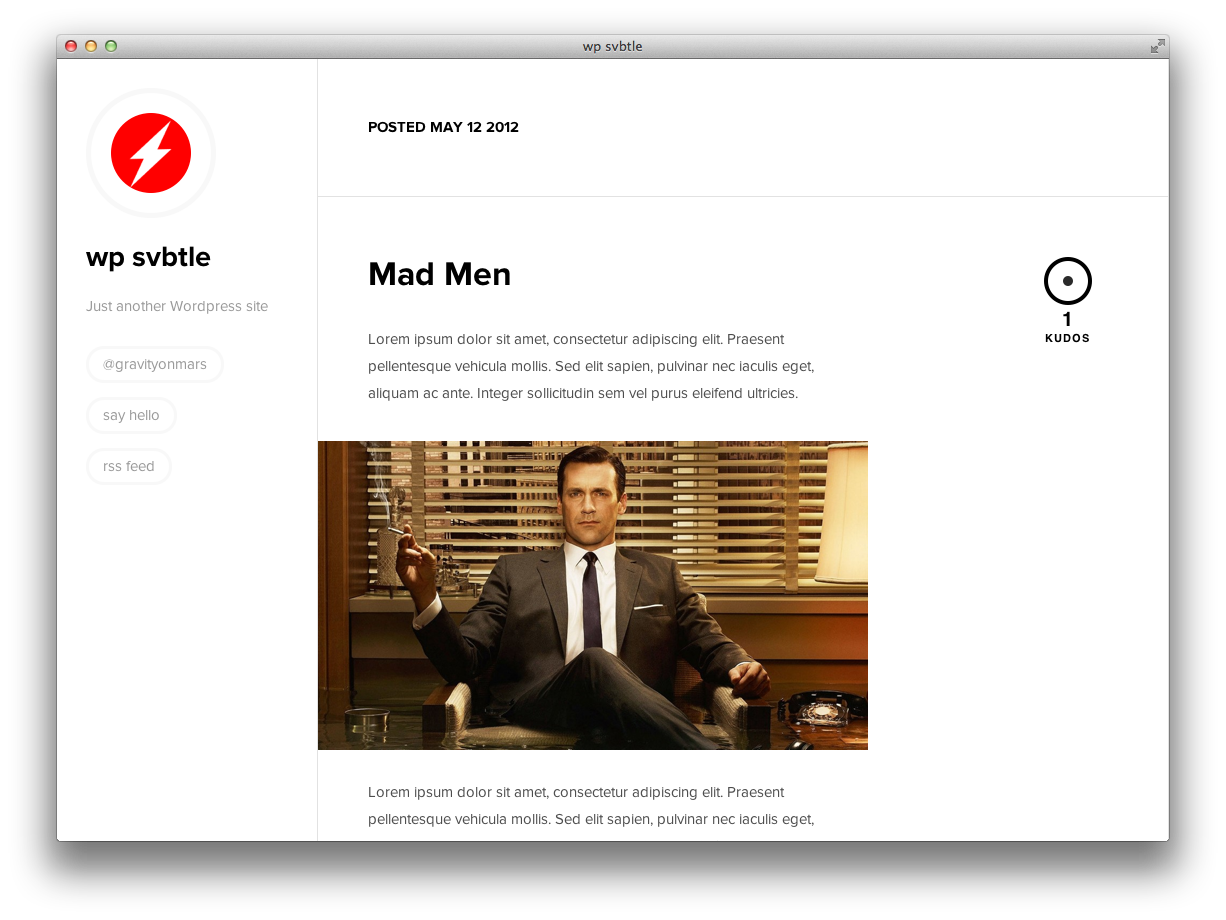
The WordPress Svbtle theme is unique in that it comes with two directories, because the admin area and the theme are 100% independent from each other. When installing it, you add the svbltle folder to wp-content/themes/. Then you move the wp-svbtle folder to the root of your WordPress installation. You can now visit yourdomain.com/wp-svbtle to use the new dashboard:
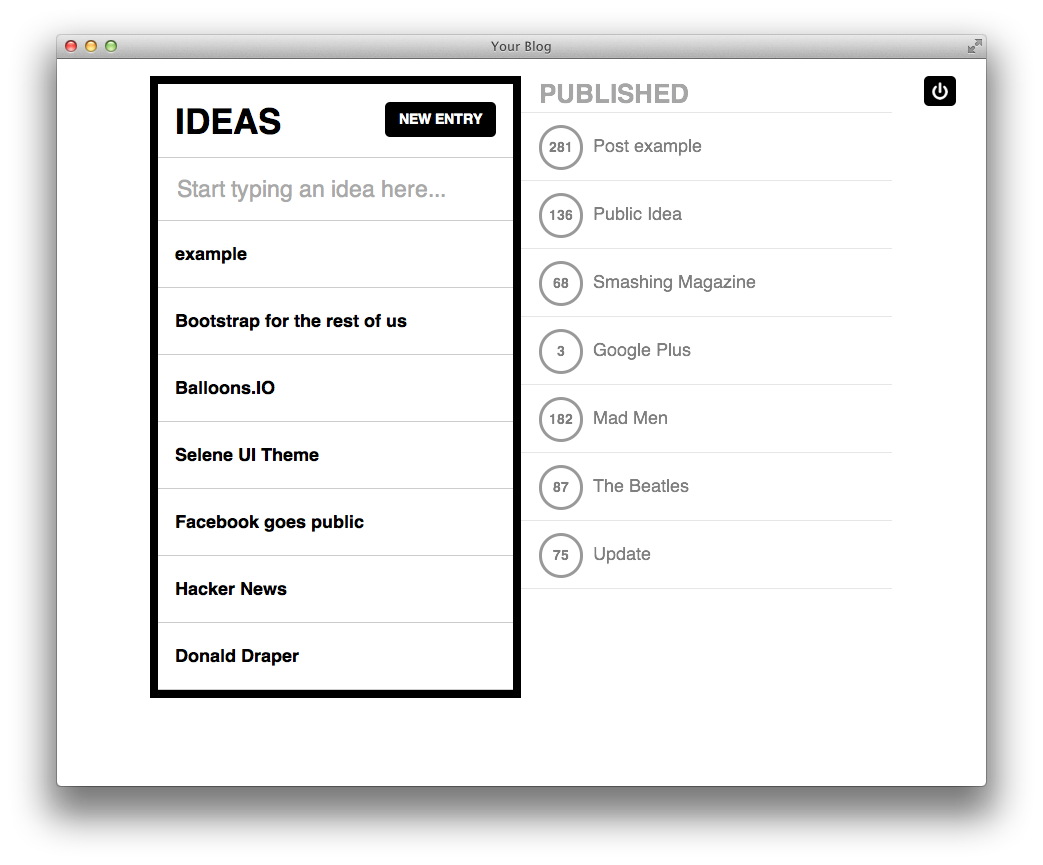
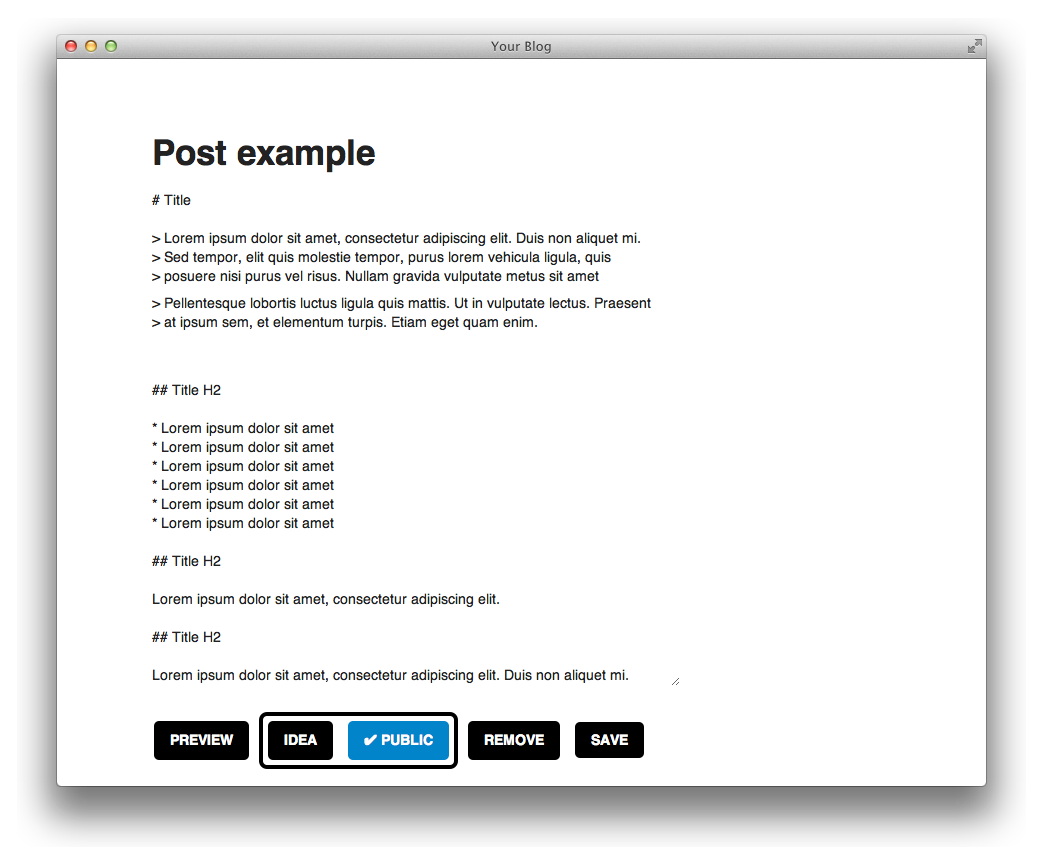
The new post editor has a very zen style interface for creating content:
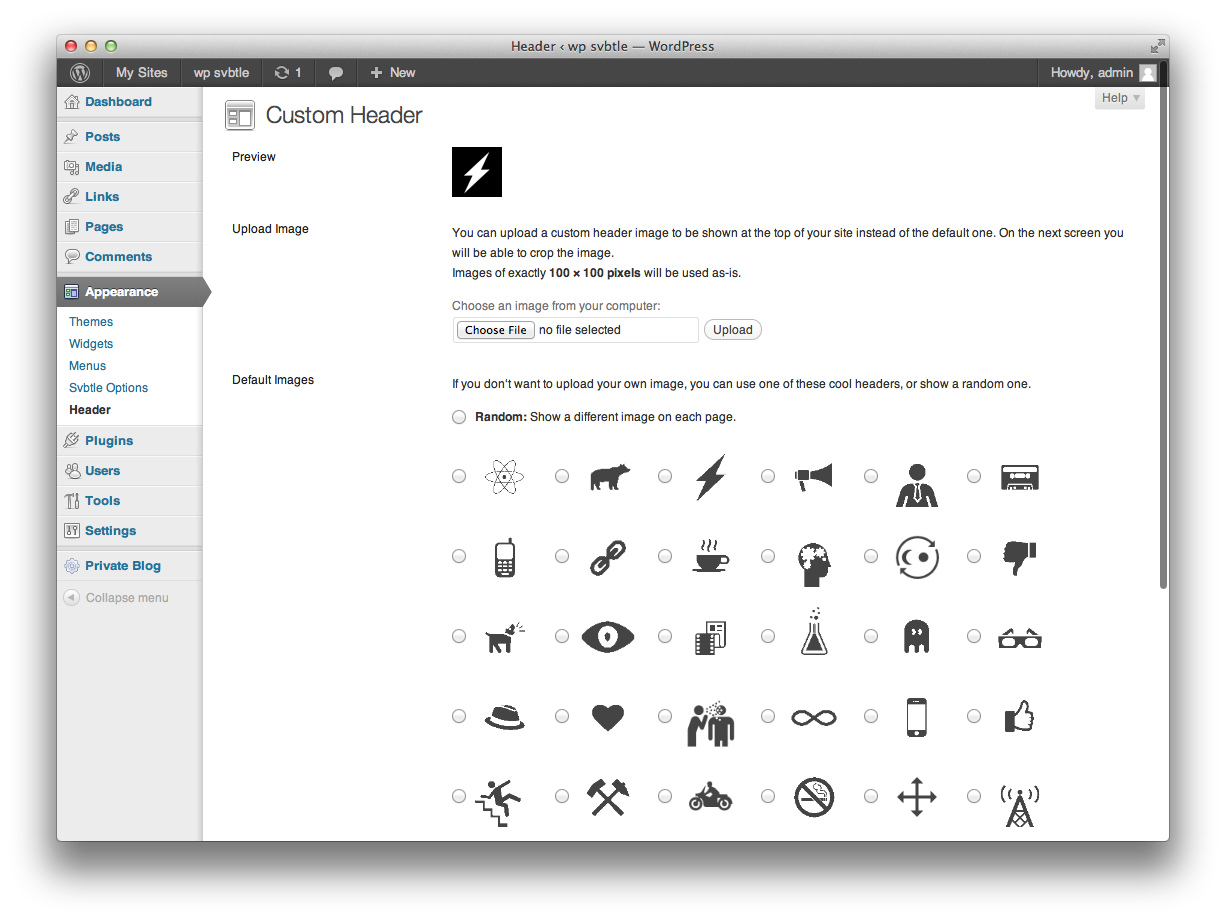
The theme comes with a very simple options page that allows you to input your Twitter username, select your blog color and add scripts. It has also built-in options for a custom header in the style of Svbtle:
If you find the WordPress dashboard to be utterly uninspiring, then WP-Svbtle might be just what you need to reinvigorate your blogging habits. This theme lets you take advantage of all the publishing power within WordPress along with the clean, simple blogging experience of Svbtle. Interested to take it for a test drive on your development environment? You can download the WP-Svbtle theme for free at github. Let us know what you think of creating content through this new dashboard.
To get a wiki up and running you used to need to install Mediawiki and toil away for days configuring it... not any more! This plugin gives you *all* the functionality you want from a wiki, in WordPress!!!
Find out more
It's now incredibly easy to start your own Q&A site using nothing more than WordPress - The Q&A plugin simply and brilliantly transforms any site, or page, into a perfect support or Q&A environment.
Find out more
Now there's no need to pay for a third party service to sign up, manage and send beautiful email newsletters to your subscriber base - this plugin has got the lot.
Find out more
Would you like to add Facebook comments, registration, 'Like' buttons and autoposting to your WP site? Well, The Ultimate Facebook plugin has got that all covered!
Find out more
No javascript required, no third part chat engine, just fully featured chat right in your own database on your own WP sites - couldn't be easier.
Find out more
Out of all the WordPress ecommerce plugins available, MarketPress has got to be the winner - easy to configure, powerful functionality, multiple gateways and more. A simply brilliant plugin!
Find out more
Fully integrated with the SEOMoz API, complete with automatic links, sitemaps and SEO optimization of your WordPress setup - this is the only plugin you need to help you rank your site number 1 on Google - nothing else compares.
Find out more
If you're thinking about starting a paid, or just private, membership site then this is truly the plugin you've been looking for. Easy to use, massively configurable and ready to go out of the box!
Find out more
Take, set and manage appointments and client bookings without having to leave WordPress. Appointments+ makes it easy.
Find out more
Oh wow, I love the experiment with the dashboard. I’m not sure how practical it is, but I’ll test drive soon to find out. I’m just grateful for people willing to take the time to think outside the box. Great post on an interesting theme.
Hi the http://wp-svbtle.bootstrapthem.es/ is broken on this post Error Establishing a Database connection.
Is this theme available as a zip somewhere as well?
Yes, download it at github: https://github.com/gravityonmars/wp-svbtle
What a lovely minimalist theme. I came across it today (http://owened.co.nz/) and yours was the first post I found talking about it. Thanks for the info.
This is awesome.
Is there a way to modify the left sidebar to include multiple twitter handles & emails?